Most people need free PDF tools for everyday jobs—merging contracts, compressing a scan, converting a Word file, or adding a signature. The popular options usually work by uploading your file to a server. That model is convenient, but it means a copy of the document exists, even briefly, on someone else’s infrastructure.
DocSample takes a different approach: every core tool runs entirely in the browser. Nothing is uploaded. This article compares the two models on privacy, free-tier limits, and practical use in 2026.
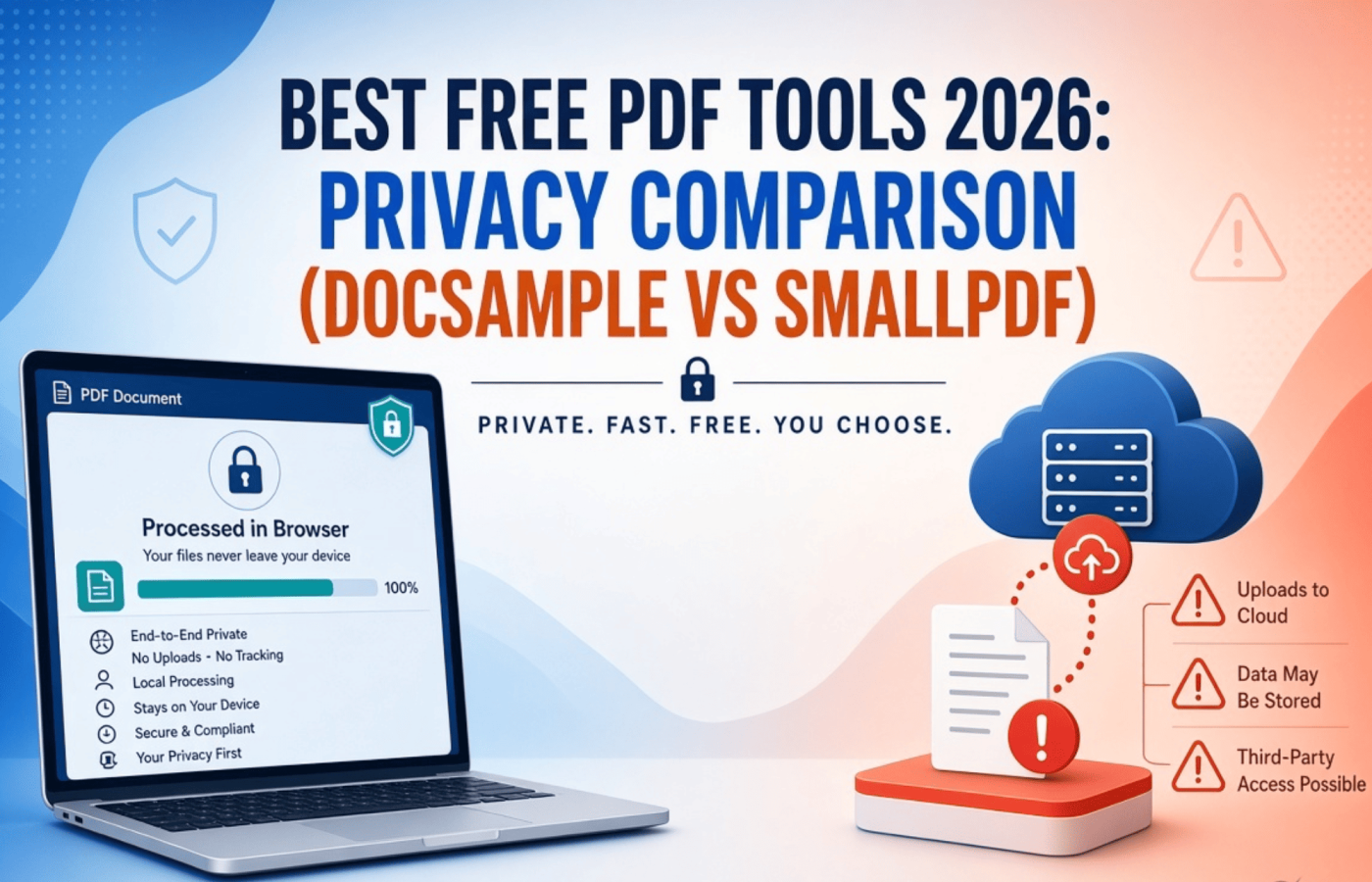
The Core Difference: Upload vs Client-Side
Smallpdf processes files on its servers. According to its privacy notice, uploaded files are handled on infrastructure (Hetzner in the EU is named) and are generally deleted within one hour for logged-in users (unless saved to account storage). For users without an account, the stated policy is deletion within a “reasonable period” after the file was last opened, and reopening extends that period. Transfers are encrypted with TLS, and the company is ISO 27001 certified and states GDPR compliance.
DocSample processes everything locally. Files are read into browser memory, manipulated with client-side libraries, and the result is downloaded directly. Closing the tab clears the temporary data. No account is required, and no file content is sent to a server. You can verify this yourself: open a tool, disconnect from the internet after the page loads, and the tool continues to work.
The practical distinction is architectural rather than just policy. With an upload-based tool you rely on the provider’s deletion schedule and security practices. With a client-side tool there is no server copy to delete.
Free Tier and Everyday Limits
Smallpdf’s free plan gives access to a wide set of tools but carries usage restrictions. Multiple independent reports and support pages indicate a limit of roughly two tasks (or document actions) per day for free users before a paywall appears. Stronger compression, some advanced features, and higher volume work sit behind the Pro plan (commonly cited around $9–12 per month when billed annually).
DocSample’s core tools are free with no account and no stated daily task counter. Limits are practical ones set by your device’s memory and browser rather than a remote quota. Very large files or heavy batch jobs may be slower on a phone than on a laptop, but the same tools are available without a subscription.
Feature Overlap and Differences
Both services cover the common jobs: merge, split/organize, compress, convert (PDF to Word/Excel/PowerPoint and the reverse), and basic editing or signing.
DocSample additionally offers a broader set of free client-side utilities that many users need alongside PDFs—invoice/quotation/estimate generators, Gantt chart creator with Excel formulas, background remover, CV builder, Gulf calculators (gratuity, VAT, Hijri), Nepali consular document templates, label and barcode tools, and more. All of these follow the same no-upload model.
Smallpdf’s strength is polish, mobile apps, team features, and cloud storage/integrations (Dropbox, Google Drive). Those extras require the file to leave the device. Some advanced conversions or OCR quality can also benefit from server-side processing power.
When Each Approach Makes Sense
Choose DocSample (or another client-side tool) when:
- The document contains personal, financial, medical, or client data you prefer not to upload.
- You want to avoid daily task limits and accounts.
- You need the file processed quickly without waiting for an upload/download cycle.
- You value being able to work offline once the page has loaded.
Smallpdf remains reasonable when:
- The documents are non-sensitive or already public.
- You need polished mobile apps, team sharing, or cloud connectors.
- You are comfortable with temporary server processing and the provider’s deletion policy.
- You already pay for Pro and want the full feature set without switching tools.
Practical Privacy Checklist
- Check whether the tool works after you disconnect from the internet. Client-side tools continue; server tools stop.
- Open browser developer tools → Network tab and watch the size of requests while processing. A large upload roughly the size of your file indicates server processing.
- Read the actual privacy notice for retention timelines, especially the difference between logged-in and anonymous use.
- For highly sensitive files, prefer tools that never create a server copy.
Bottom Line
In 2026 the main free PDF tools still fall into two camps. Server-based services like Smallpdf offer convenience, polish, and integrations, but they require uploading your file and trusting a temporary retention policy. Client-side tools like DocSample remove the upload step entirely for the core PDF jobs, which eliminates the server-side retention question for those operations.
For most sensitive everyday documents—contracts, payslips, ID scans, financial statements—the no-upload approach is the lower-risk default. You can still use a server tool for non-sensitive work or when you specifically need its extra features. The important part is knowing the difference before you drop the file in.
Try the tools on DocSample to see the client-side experience for yourself, or compare the same job on a traditional service and check your browser’s network activity. The architecture is easy to verify.